Quick answer
What should software for a printing press business in India do?
Software for a printing press business in India should turn each order into a digital job card, make quick quotes from paper, plates, printing and finishing costs, track paper and ink stock, plan machine work, send proofs and take approval on WhatsApp, raise GST invoices, follow up on credit, and record delivery, all in one connected system.
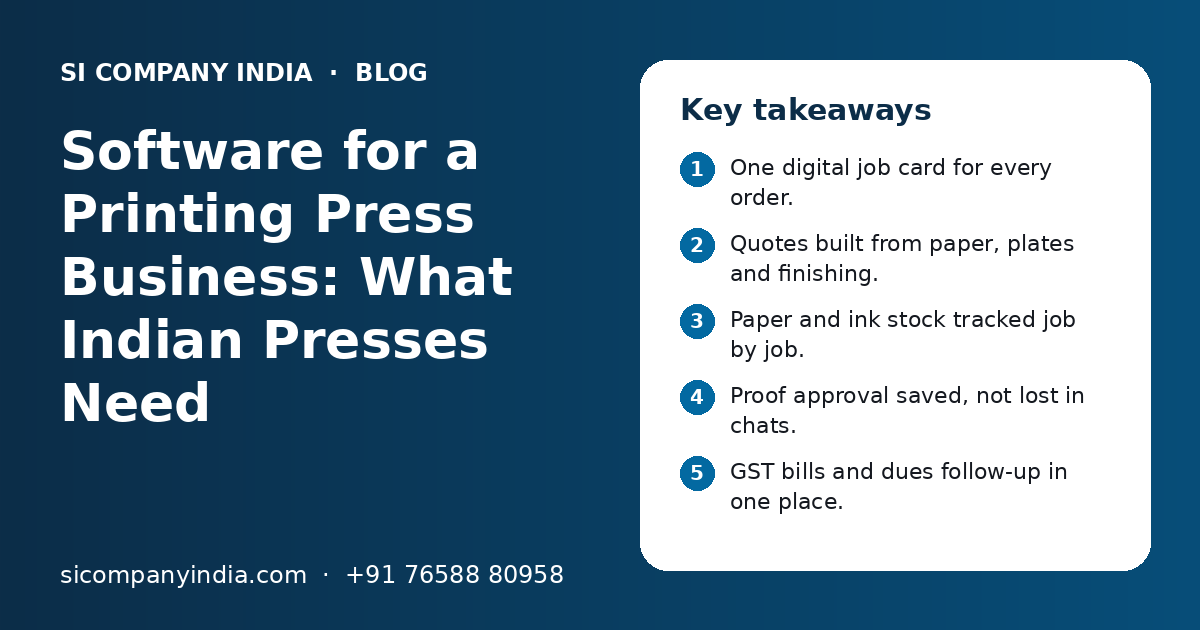
Key takeaways
- One digital job card for every order.
- Quotes built from paper, plates and finishing.
- Paper and ink stock tracked job by job.
- Proof approval saved, not lost in chats.
- GST bills and dues follow-up in one place.
- Start with job cards, then add modules.
Why does a printing press need business software?
A printing press needs software because every job is custom, and small errors in size, quantity, paper or approval cost real money. Software for a printing press business in India keeps all job details, stock and payments in one place, so nothing depends on memory.
Most presses, whether offset, digital or flex, face the same daily problems:
- Job details are written on paper slips or in a register, and some get lost.
- Quotes take time, because each one is worked out by hand or in Excel.
- Paper runs short in the middle of a job, or extra stock sits for months.
- Two urgent jobs need the same machine on the same day.
- Proofs go back and forth on WhatsApp, and nobody is sure which version was approved.
- Bills are made late, and GST details are typed again.
- Credit customers pay late, and follow-up depends on the owner's memory.
- Delivery is done, but there is no clear proof of who received it.
Together, these eat time every day. Good software fixes them as one flow, from enquiry to payment. Our manufacturing software page explains how job-based production is planned in general.
How does a digital job card work?
A digital job card holds every detail of one order in one screen: customer, item, size, paper, colours, quantity, finishing, proof status and due date. Everyone, from the front desk to the machine operator, works from the same card.
What a job card should hold
- Customer name, contact and GSTIN.
- Item type, such as visiting cards, brochures, boxes, labels or books.
- Finished size, paper type, GSM and sheet size.
- Colours on front and back, and number of plates if offset.
- Quantity, wastage allowance and number of sheets needed.
- Finishing: lamination, UV, die-cutting, folding, binding or pasting.
- Artwork file, proof versions and approval status.
- Due date, priority and the machine assigned.
The job card should move through clear stages: enquiry, quote, approved, design, proof, printing, finishing, ready and delivered. The owner can then see at a glance which jobs are stuck and where.
How can software make print quotes faster and more accurate?
Software makes quotes faster by saving your own rates for paper, plates, printing, finishing and design, and then working out the cost of each job from size and quantity. Staff only pick options, and the quote is ready in a few minutes.
Manual quotes often miss small costs, like wastage sheets or outside lamination.
- 1
Set up your rate masters
Enter paper rates by type and GSM, plate rates, printing rates per impression, finishing rates and design charges.
- 2
Pick the job options
The staff member selects item type, size, paper, colours, quantity and finishing.
- 3
Let the system work out sheets and cost
It calculates sheets needed, including wastage, and adds each cost head.
- 4
Add margin and GST
Apply your margin by customer type, then add GST at the rate your CA confirms for that item.
- 5
Share the quote on WhatsApp or email
Send a clean PDF with your logo and terms.
- 6
Turn the approved quote into a job card
One click, so details are not typed again.
Show quotes for several quantities side by side, since customers often ask for more than one.
How should paper and ink stock be tracked?
Paper and ink should be tracked by type, size and GSM, with stock going out against a specific job card. This shows what is in the godown, what is reserved for jobs and what needs to be bought.
Paper is easy to lose track of, because it is cut, wasted and moved between jobs. A simple stock module helps:
- Stock by paper type, GSM and sheet or reel size.
- Paper reserved for approved jobs, so it is not used for something else.
- Issue to job, so you know how much each job really used.
- Wastage recorded per job, to compare with what was planned.
- Customer-supplied paper kept separate from your own stock.
- Low-stock alerts for fast-moving paper, inks, plates and chemicals.
Over time, the gap between planned and actual paper use shows which jobs or machines waste more. Our inventory and ERP development work covers this kind of stock and purchase flow.
How do proofs, approvals and machine plans fit together?
Proof approval should be saved against the job card, and only approved jobs should go into the machine plan. This stops jobs from being printed on an old version and helps plan each machine day by day.
Proofs and approvals on WhatsApp
Most customers in India want to see and approve proofs on WhatsApp. The problem is not WhatsApp. The problem is that approvals sit in personal phones and chats. With the WhatsApp Business API, the software can send the proof from the job card, and the customer can reply with an approve button or a change request. The reply, time and proof version are saved on the job.
Machine scheduling
Once a job is approved, it goes into a simple plan for each machine. The plan shows which job runs on which machine, in what order, and when it should finish. When an urgent job comes in, the planner can see what will move back.
| Stage | Old way | With software |
|---|---|---|
| Sending proof | Designer sends a file from a personal phone | Proof sent from the job card on the business number |
| Approval | Customer says 'ok' somewhere in a long chat | Approve or change button, saved with the version |
| Changes | Hard to track which file is final | Each version numbered, final one marked |
| Machine plan | Whiteboard or the supervisor's memory | Day-wise plan for each machine, visible to all |
| Urgent job | Phone calls and guesswork | See which jobs shift if you add the new one |
Need help with your project?
Talk to the SI Company India team. Free first call, simple advice, clear quote.
How should GST billing, credit and delivery work?
When a job is ready, the software should make the GST invoice from the job card, record the delivery with proof, and add the amount to the customer's dues with reminders. This keeps billing on time and cash flowing.
GST invoices
Invoices should carry your GSTIN, the customer's GSTIN, HSN or SAC code, taxable value and the correct tax split. Some print jobs are treated as goods and some as services, depending on the job. Rules can change, so ask your CA to confirm the codes and rates for your common jobs, and set them once in the software. Our GST billing software development page explains invoice features in detail.
Credit follow-up
- Customer-wise outstanding with bill age.
- Credit limit per customer, with a warning before a new job is accepted.
- Advance payment recorded on the job card.
- Polite payment reminders on WhatsApp with a UPI link, using UPI payment integration.
Delivery
Record delivery with the number of boxes or bundles, the person who received it, and a photo or signature on the phone. If a customer later says goods were short, you have a clear record. If your accountant uses Tally, invoices and receipts can sync with it through Tally integration.
Which modules does printing press software need?
Most presses need six core modules: enquiry and quotes, job cards, stock and purchase, machine planning, billing and dues, and reports. Customer portals and apps can be added later.
Enquiry and quotes
Rate masters, quick costing, multi-quantity quotes and PDF sharing.
Job cards
All job details, stages, artwork, proofs and approvals.
Stock and purchase
Paper, ink, plates and consumables, with issue to job and purchase orders.
Machine planning
Day-wise plan per machine, with priority and status.
Billing and dues
GST invoices, advances, outstanding, reminders and receipts.
Reports
Pending jobs, delayed jobs, paper use, sales by customer and dues.
Optional add-ons include an outside vendor module, a customer portal for repeat orders and a mobile app for the owner and delivery team.
Ready-made or custom software for a printing press?
Ready-made software suits presses with simple, standard jobs. Custom software suits presses with their own costing method, many machines, packaging or label work, or a need to link with WhatsApp, Tally and a website.
| Point | Ready-made software | Custom software |
|---|---|---|
| Start time | Quick to start | Takes time to plan and build |
| Costing method | Fixed formulas | Built around your own rates and steps |
| Job types | Common print items | Any mix, including boxes, labels and books |
| WhatsApp approvals | May be limited | Built into the job card |
| Tally and UPI links | Depends on the product | Planned as needed |
| Changes later | You wait for the vendor | Your developer adds them |
| Ownership | You rent access | Terms agreed in your contract |
A mixed path also works. Some presses keep their current billing tool and add a custom job card and approval system on top. Our custom software development page explains how such projects are planned.
How do you get started, and what affects the cost?
Start small: list your problems, map one job from enquiry to payment, and build or set up job cards and quotes first. Cost depends mainly on the number of modules, the complexity of your costing and the links you need.
- Write down your top five daily problems, in order of pain.
- Follow one real job from enquiry to payment and note every step.
- Collect your rate sheets, job slip formats and invoice formats.
- Decide the first phase, usually job cards, quotes and billing.
- Clean your customer list and paper item list before data entry.
- Train staff on the phone and desktop screens they will use.
- Run old and new methods side by side for a short time, then switch.
What affects the cost
- Number of modules in the first phase.
- How detailed your costing rules are.
- Number of machines, branches and users.
- Links with WhatsApp, Tally, UPI or your website.
- Web only, or web plus a mobile app.
- Data to move from old registers or software.
Our guide on software development cost in India explains these factors in more detail. You get a clear quote after a free call.
What mistakes should a printing press avoid?
The common mistakes are trying to build everything at once, skipping rate masters, keeping approvals in personal phones and not training floor staff.
- Building every module in one go, so nothing goes live for months.
- Starting without clean paper and rate masters, so quotes come out wrong.
- Letting designers keep approving proofs on their own phones.
- Not issuing paper to jobs, so stock never matches.
- Making bills days after delivery instead of on the same day.
SI Company India is powered by Shivah Web Tech, with 11+ years of experience, a 25+ in-house team and 500+ projects. We work fully online with businesses across India. Contact us to talk about your press.
Frequently Asked Questions
What is the best software for a small printing press in India?
The right software depends on your jobs and team size. A small press with standard jobs can start with a simple tool for job cards, quotes and GST billing. A press with many machines, packaging work or its own costing method may need custom software. Look for job cards, stock, WhatsApp approvals and dues tracking.
Can printing press software calculate quotes automatically?
Yes. Once you enter your rates for paper, plates, printing, finishing and design, the software can work out sheets needed, wastage and total cost for each job. Staff pick the options and the quote is ready. You can add your margin and GST, and share the quote as a PDF on WhatsApp.
How can a printing press take proof approval on WhatsApp?
With the WhatsApp Business API, the software sends the proof from the job card to the customer's WhatsApp. The customer taps approve or asks for changes. The reply, time and proof version are saved on the job. This keeps approvals on the business number, not on a staff member's personal phone.
Does printing press software help with paper stock?
Yes. It tracks paper by type, size and GSM, reserves paper for approved jobs and records how much each job used. It can show low-stock alerts and keep customer-supplied paper separate. Over time, you can compare planned and actual paper use to find where wastage is high.
What GST rate applies to printing jobs?
It depends on the job. Some printing work is treated as a supply of goods and some as a service, and the rate can differ by item and by who supplies the paper. Rules can change, so ask your CA to confirm the HSN or SAC code and rate for your common jobs, then set them once in the software.
How long does it take to set up software for a printing press?
It depends on the modules and your data. Setting up ready-made software can be quick if your jobs are standard. Custom software takes longer, because it is planned around your process. Most presses start with job cards, quotes and billing, go live, then add stock, machine planning and apps in later phases.
Do machine operators need to use the software?
Only in a simple way. Operators do not need complex screens. A phone or tablet with a list of today's jobs and a button to mark started or done is usually enough. Some presses use a QR code on the job slip so operators can scan and update status in seconds.